When someone in Dubai, Riyadh or Doha searches for "coffee near me", "AC repair" or "nail salon open now", the first thing they usually see is not a website. It is a map with a short list of businesses, their ratings, photos, opening hours and a button to call or get directions. Being in that list can bring a steady flow of customers who are ready to visit or buy today.
That list is powered by Google Business Profile, a free listing for local businesses. This guide explains how to set it up, fill it in properly, collect genuine reviews and keep it active, with practical notes for businesses in the Gulf.
Who needs a Google Business Profile
- Businesses with a physical location that customers visit: restaurants, cafes, salons, clinics, gyms, shops and showrooms.
- Service-area businesses that travel to customers, such as cleaning, maintenance, moving or mobile car wash services.
- Online stores with a pickup point or showroom, which can benefit from extra visibility and trust.
A purely online business with no location and no service area usually cannot have a profile, and should focus on its own website and search content instead.
Claim, create and verify your profile
- Search for your business on Google Maps first. A listing may already exist, created by Google or a customer; if so, claim it rather than creating a duplicate.
- Use a business Google account and add a trusted partner or employee as a second manager.
- Enter your business name exactly as it appears on your signage and documents. Adding keywords, offers or locations to the name breaks Google's guidelines for representing your business and can lead to suspension.
- Choose the most accurate primary category, then add relevant secondary categories.
- Place the pin precisely on the map, or define the areas you serve if customers do not visit you.
- Complete verification using the method Google offers for your business.
Fill in every detail
| Field | Practical tip |
|---|---|
| Opening hours | Update special hours for Ramadan, Eid, national days and public holidays, when customers check most |
| Phone | A number that is actually answered during opening hours |
| Website | Link to the most useful page, such as booking, menu or the branch page |
| Description | What you offer and for whom, in clear language, without keyword stuffing |
| Products and services | Your main offers, with short descriptions and prices where possible |
| Attributes | For example family-friendly, wheelchair accessible, card payments or delivery |
Many customers in the Gulf search in both Arabic and English, so make sure the key information is clear to both audiences. Mentioning your district and city naturally in the description can also help people understand where you are.
Photos that make people visit
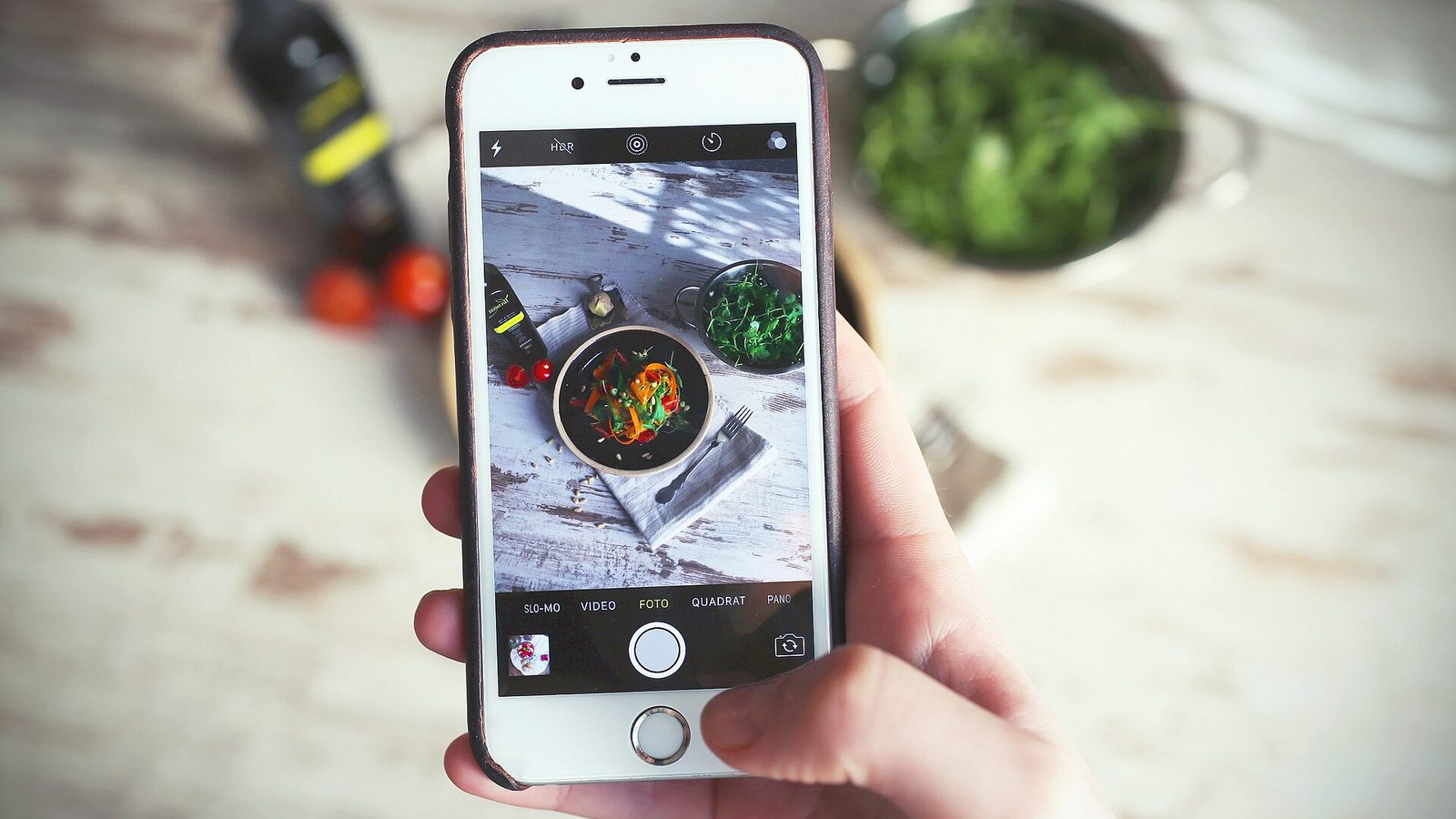
Customers often decide based on photos. Upload real, recent, well-lit images: the storefront so people recognise it on arrival, the interior, your best-selling products or dishes, and the team at work if they agree. Avoid stock images and heavy editing; if the place looks different in real life, you will see it in your reviews. Our guide to product photography with your phone shows how to take good photos without a studio. Add fresh photos regularly, especially after launching something new.
Get genuine reviews
Reviews influence both customers and your local visibility. Google's own tips to improve your local ranking mention relevance, distance and prominence, and reviews are part of how prominent a business appears. The right way to get more reviews is simply to ask real customers:
- Ask at the right moment, such as when a customer thanks you or a day after delivery.
- Share your direct review link on WhatsApp after a purchase, on receipts and as a QR code at the counter.
- Keep the request short and honest.
For more ideas on collecting and using feedback, see our guide to customer reviews and social proof.
Reply to every review
Replies show future customers that real people care about their experience. Thank positive reviewers and mention something specific. For negative reviews, reply calmly within a day or two, apologise for the experience without blaming the customer, offer a solution and invite them to continue privately by phone or WhatsApp. If a review is clearly fake, abusive or about a different business, report it through your profile instead of arguing publicly.
Keep the profile active
You can publish short updates on your profile: a new product, a seasonal offer, an event or a change in hours. Regular updates make your profile look active and give visitors another reason to contact you. Use a real photo, a clear first line and a suitable button such as "Call" or "Order". You can plan these alongside your social media content; our Arabic marketing planners help you schedule posts and seasonal offers in one place, and the free prompts page includes ready prompts for writing short updates and review replies.
Also watch for customer questions and messages, where available, and answer quickly. If customers prefer WhatsApp, our guide to WhatsApp Business for online stores explains how to turn those chats into orders.
Measure what the profile brings
Your profile shows useful performance data: how often you appear in search and Maps, calls, direction requests, website clicks and some of the searches that led people to you. Review it monthly and ask: are calls and direction requests growing? Which searches bring people, and do your description and services mention them? Did you get new reviews this month, and did you reply to all of them? Also ask new customers how they found you, so you can connect the numbers to real sales.
Frequently asked questions
Is Google Business Profile free?
Yes, creating and managing a profile is free. Google Ads is a separate, paid product and is not required to appear in local results.
Why doesn't my business show up on Google Maps?
Check that the profile is verified, the primary category is accurate and the details are complete. Visibility also depends on how close the searcher is and how well known your business is, so it can take time.
Can I delete negative reviews?
You cannot remove a review just because it is negative. You can report reviews that break Google's policies; for the rest, a professional reply and fixing the issue is the best response.
Should I write my profile in Arabic or English?
Write in the language most of your customers use, and make sure key details such as services, hours and location are clear for both Arabic and English speakers where relevant.
How often should I update my profile?
Update core details whenever something changes, especially hours during Ramadan, Eid and holidays, and add new photos or an update every week or two.

We write practical marketing guides for small businesses and creators in the Arab world.